
HOW IT WORKS
One photo a week.A clearer picture.
Skin Twin AI keeps a private timeline of cosmetic skin insights that helps you see what is changing and what your routine is doing.

Six simple steps
- 01
Capture
Take or upload one close-up in daylight. Face the camera, no filters or makeup, face filling most of the frame.
- 02
Store privately
Your photo goes to private storage under your account only. It is never public and is viewed through short-lived links.
- 03
Analyse
Our server sends the photo to YouCam Skin AI. Only genuine YouCam results are saved as a check-in — never invented scores.
- 04
Read your report
See an overall skin score and a breakdown across 11 cosmetic concerns, with plain-language notes.
- 05
Track & compare
Check in weekly. Your history shows trends and you can compare any two check-ins side by side.
- 06
Get gentle advice
Rule-based suggestions that respect your sensitivities, pregnancy status and current actives.
REAL CHECK-INS FROM OUR ORIGINAL APP
What a check-in looks like.
Results from the original app, analysed by YouCam Skin AI. Cosmetic estimates only — not a diagnosis.
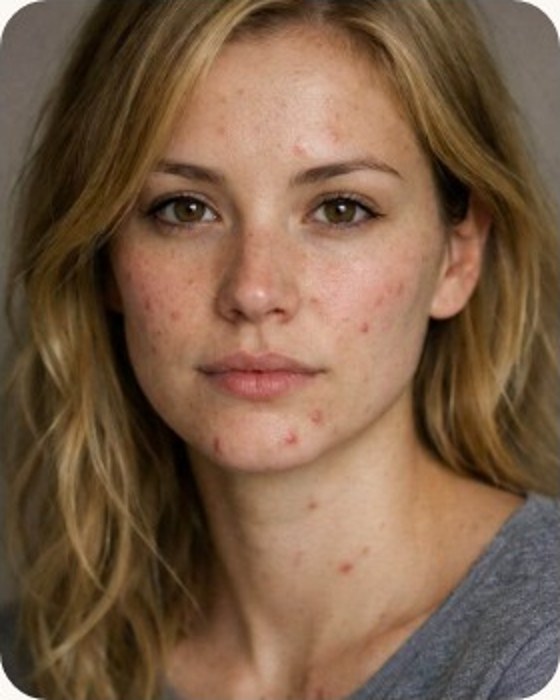
Good
Baseline check-in
YOUCAM SKIN AI- Hydration
- 70
- Oil control
- 68
- Clarity
- 72
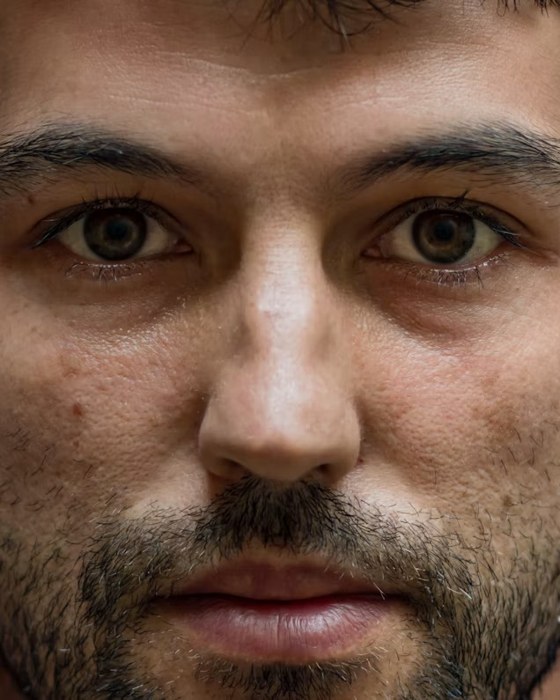
Good
Baseline check-in
YOUCAM SKIN AI- Hydration
- 69
- Oil control
- 78
- Clarity
- 70
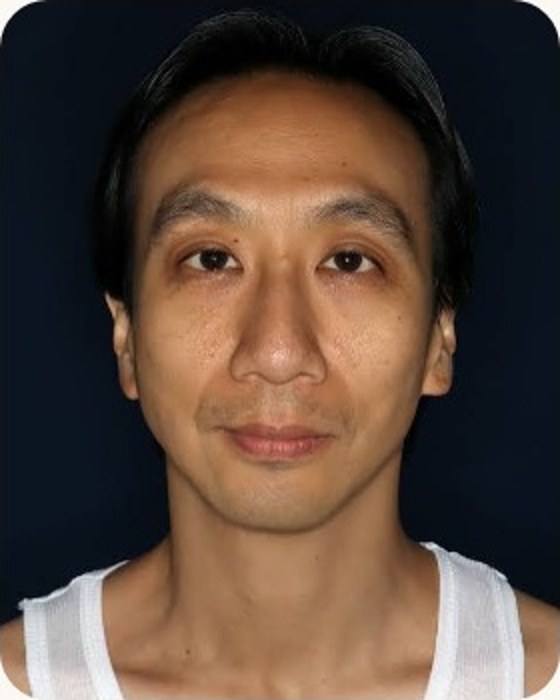
Good
+1 vs previous check-in
YOUCAM SKIN AI- Hydration
- 73
- Oil control
- 66
- Clarity
- 81
What we measure
Each metric is scored 0–100, where higher means a healthier-looking result. They are cosmetic estimates from a photo, not clinical measurements.
- Clarity
- Oil control
- Pores
- Texture
- Fine lines
- Firmness
- Even tone
- Redness
- Dark circles
- Hydration
- Radiance
Up to three people
Track yourself and two others on one account, each with separate photos and history. Always get consent first.
Your data, portable
Download a PDF report or a machine-readable export of everything at any time.
Delete for real
Deleting a check-in or your account erases the stored photo file itself, not just the record.
Sample mode is labelled
The demo uses clearly marked sample data. It is never saved as a real scan.